





Development
What Is a Headless CMS? Benefits, Trade-offs & When to Use One
- Published
- 23 July 2025
- Reading time
- 4 min read
- By
- Mateo Jakelic
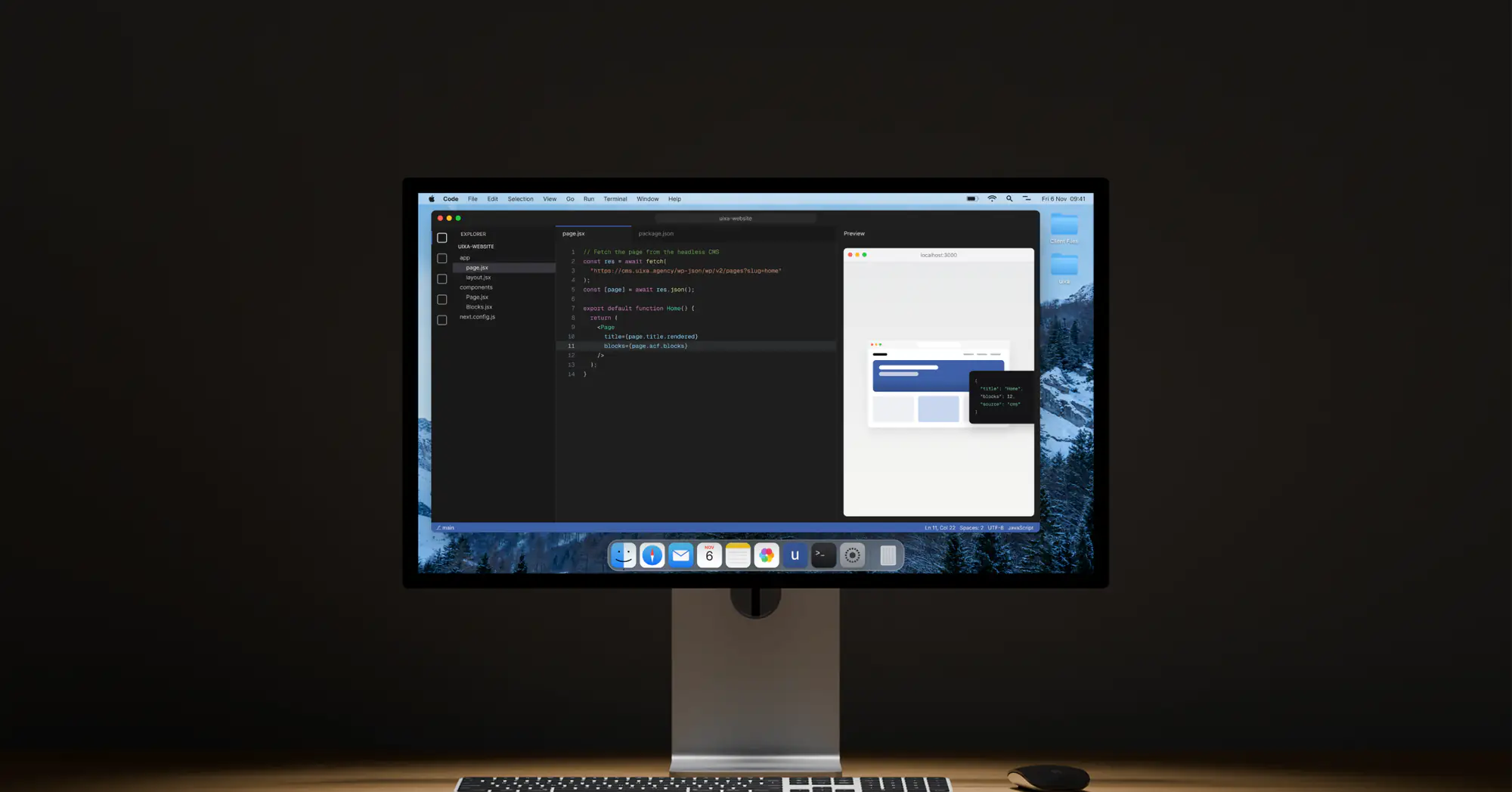
A headless CMS gives you full control and serious flexibility, especially for omnichannel content, complex apps, or performance-first builds. It's not beginner-friendly and it's not always necessary, but when used right, it's powerful.
Not every website needs a headless CMS. But for the right project, it can be a game-changer: fast, flexible, and future-proof. Headless architecture gives developers and designers the freedom to build without the usual constraints of traditional platforms. The catch is that it isn't for everyone, and knowing when to use it matters as much as knowing how.
What is a headless CMS?
A headless CMS separates content management from content presentation. The backend, where you create and manage content, is decoupled from the frontend, what users actually see. Instead of delivering finished pages, it delivers raw content through an API, which means the same content can be published anywhere: websites, mobile apps, digital signage, smartwatches, even VR.
Headless CMS vs traditional CMS
A traditional CMS like WordPress couples the backend and frontend in one system. That makes it simple, beginner-friendly, and quick to launch, with a huge library of themes and plugins, but it's less flexible and can struggle to scale across multiple channels.
A headless CMS splits the two apart. That unlocks flexibility and multi-channel publishing and can be faster, but it shifts more work onto developers, and visual editing isn't there out of the box: some headless platforms offer it, but it needs developer setup. Neither is "better" in the abstract, they suit different projects.
The benefits of going headless
- Multichannel content delivery: publish once, distribute everywhere, without duplicating work across platforms and formats
- Full design freedom: with no fixed frontend, you can build with any framework you like, no fighting themes or templates
- Potentially faster performance: headless front ends, especially with static output from tools like Next.js or Astro, can be very fast if built well, which helps both UX and SEO
- Better scalability: content lives in one central place and scales across platforms cleanly, ideal for growing brands with a wide digital presence
That performance point matters more than it sounds. Speed is a ranking factor and a user-experience factor, which is why we treat performance as a feature rather than an afterthought.
The trade-offs
- More setup work: there's no out-of-the-box theme, so the frontend is built from scratch, meaning more development time upfront
- Developer-heavy: non-technical users may find content preview and page building harder without a visual editor, often needing custom tooling to bridge the gap
- Higher maintenance: more moving parts and integrations mean more to keep in sync and a need for thoughtful planning and regular upkeep
When to use a headless CMS
It's a strong fit if you:
- Need to publish content across multiple platforms and devices
- Want complete control over the frontend experience
- Prioritise performance and scalability
- Have a dev team or partner agency ready to support the build
- Are building a complex product or a content-heavy site with high reuse
For small business sites, landing pages, or content that only ever lives on one website, a traditional CMS like WordPress is usually the more practical choice. If you're weighing this against a fully bespoke build, our take on templates vs custom web design covers the same trade-off from a different angle.
Frequently asked questions
What is a headless CMS in simple terms?
It's a content system that stores and manages your content but doesn't control how it looks. It hands content to any frontend via an API, so you can display it on a website, app, or any other device.
What's the difference between headless and traditional CMS?
A traditional CMS bundles content and presentation together (simpler, less flexible). A headless CMS separates them (more flexible and faster, but more developer work).
Is a headless CMS better for SEO?
It can be, mainly because headless sites can be fast and faster sites tend to rank and convert better. But SEO still depends on good content, structure, and technical setup regardless of architecture.
Do I need developers to use a headless CMS?
Generally yes. Building and maintaining the frontend, and giving editors a comfortable way to manage content, usually requires development support.
When should I not use a headless CMS?
For simple single-site projects, small business sites, or when your team needs visual page editing and you don't have development resources, a traditional CMS is usually the better call.
The bottom line
A headless CMS gives you control, flexibility, and speed, especially for omnichannel content, complex apps, or performance-first builds. It isn't beginner-friendly and it isn't always necessary, but used in the right place, it's genuinely powerful. The skill is matching the architecture to the project rather than the hype.
Not sure which approach fits what you're building? Get in touch and we'll help you decide.