





Development
How to Build and Sell Online Courses with Tutor LMS Pro
- Published
- 15 October 2025
- Reading time
- 4 min read
- By
- Mateo Jakelic
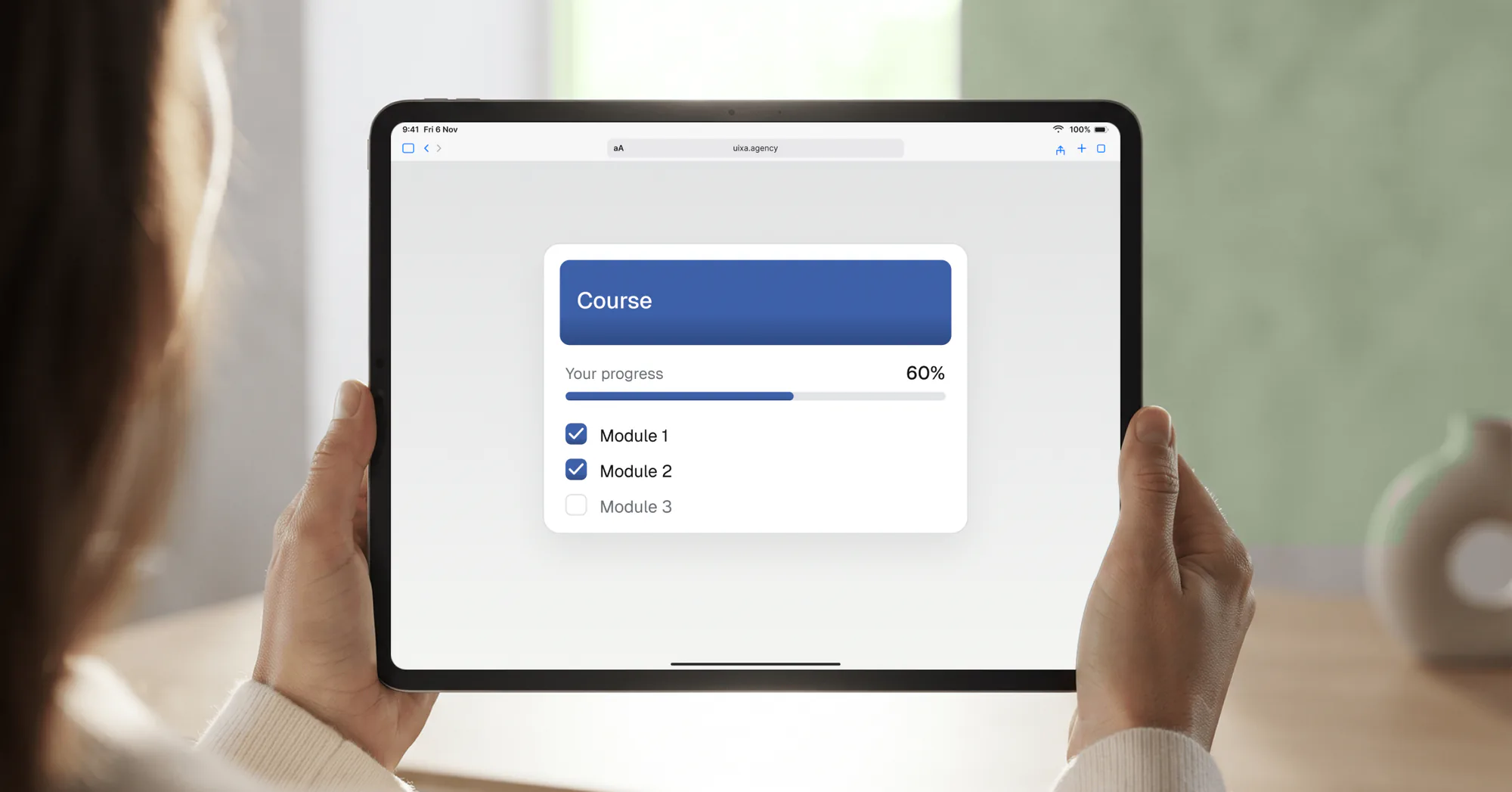
Tutor LMS Pro lets you build and sell structured online courses directly on your website. Paired with Vimeo or YouTube for video hosting, it keeps content smooth and professional. It's the difference between uploading lessons and creating a full learning experience.
Online education has exploded, and more people than ever are learning skills and building businesses through digital courses. But delivering a course takes more than recording videos. You need a platform to structure, manage, sell, and protect your content. That's where Tutor LMS Pro comes in.
What is Tutor LMS Pro?
Tutor LMS is a WordPress plugin that turns your website into a full learning management system. It lets you build structured courses with lessons, quizzes, assignments, and certificates, all from your WordPress dashboard. There's a capable free version, and the Pro version adds the features that matter for serious course creators.
The key advantage over hosted platforms like Teachable or Kajabi is ownership: you control the platform, the data, and the customer relationship, and you're less exposed to a third party changing its pricing or terms, though the Pro licence, video host and payment provider still have their own. The trade-off is that you're responsible for hosting, maintenance, and security, worth weighing against your technical comfort level.
What Tutor LMS Pro can do
- Drag-and-drop course builder with lessons, topics, and a front-end editor
- Advanced quizzes, assignments, and progress tracking
- Student dashboards and instructor profiles
- Built-in payments, plus integrations with WooCommerce and other e-commerce engines
- Customisable completion certificates
- Multi-instructor support, so you can run a full course marketplace
It works for solo creators and for teams looking to scale an e-learning business into something closer to a Udemy-style marketplace.
The role of video hosting
Video is the heart of most courses, but hosting large video files directly on your own site will slow it down fast, and site speed affects both user experience and search rankings. That's why we pair Tutor LMS Pro with a dedicated video host:
- Vimeo is ideal for professional, private hosting. It gives you control over privacy, embedding, and quality, which makes it a strong fit for paid courses.
- YouTube works well for free or marketing-focused courses. Unlisted videos stay out of search and recommendations, but anyone with the link can watch and share them, so they don't suit paid content.
Offloading video this way keeps playback smooth without overloading your server, the same logic behind treating performance as a feature rather than an afterthought.
Why this setup matters
Used well, Tutor LMS Pro turns a random playlist of videos into a professional learning product:
- Clear structure that guides students step by step
- Interactive elements that keep learners engaged
- Certificates that reward progress and build credibility
- Secure payments that make monetisation simple
That's the difference between uploading lessons and creating an experience people are happy to pay for. And because it all runs on WordPress, it stays maintainable, which is why ongoing maintenance is part of running a course platform, not an optional extra.
Frequently asked questions
What is Tutor LMS Pro used for?
Creating, managing, and selling structured online courses directly on your own WordPress website, with lessons, quizzes, certificates, and payments all in one system.
Is there a free version of Tutor LMS?
Yes. The free version handles the fundamentals of course creation and can even sell courses via WooCommerce. Pro adds advanced quizzes, certificates, content dripping, reports, and multi-instructor support.
Can I sell courses with Tutor LMS?
Yes, through its built-in payments or integrations like WooCommerce and Easy Digital Downloads, so you can take payments directly from your site.
Should I host course videos on my own site?
No. Large video files slow your site down. Host them on Vimeo or YouTube and embed them, which keeps playback smooth and protects your site's performance.
How does Tutor LMS compare to platforms like Teachable?
Tutor LMS keeps everything on your own site, so you own the platform, data, and customer relationship. Hosted platforms are simpler but give you less control and ongoing fees tied to their terms.
The bottom line
Tutor LMS Pro lets you build and sell structured online courses on your own website, and paired with Vimeo or YouTube for video, it keeps everything smooth and professional. It's the difference between uploading lessons and creating a genuine learning experience.
Thinking about launching a course platform? Get in touch and we'll help you set it up properly.