





Development
What Is Website Maintenance? What It Includes, Why It Matters, and What It Costs
And Not an Optional Extra
- Published
- 31 December 2025
- Reading time
- 4 min read
- By
- Mateo Jakelic
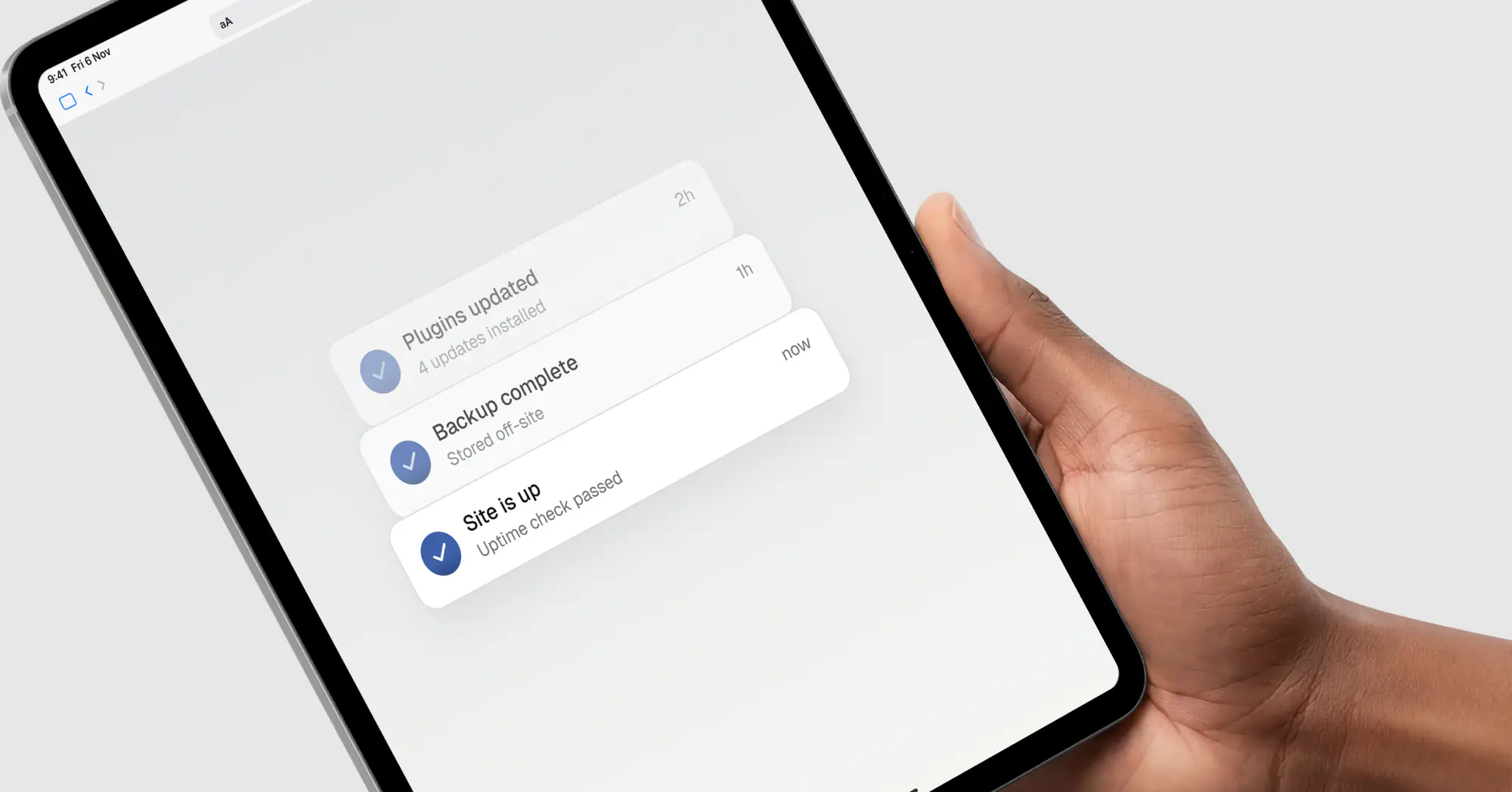
Website maintenance is the ongoing work of keeping your site secure, fast, and functioning after it goes live: software updates, security monitoring, backups, performance checks, and fixing small issues before they grow. A site without maintenance is a risk. With it, your digital presence stays stable, secure, and reliable for the long run.
What is website maintenance?
Website maintenance is the routine process of monitoring your site, keeping it updated, and fixing issues so everything keeps working as intended. It covers both technical upkeep (patching software, scanning for security threats, keeping pages fast) and content upkeep (refreshing information, fixing broken links, small design improvements).
Going live is not the finish line. It is the starting point. Too many projects treat launch as completion, when in reality that is when responsibility begins. Browsers update, plugins change, security threats evolve, and content grows. What worked six months ago might quietly break tomorrow, and without maintenance, problems accumulate invisibly.
What does website maintenance include?
The core tasks fall into a few categories:
- Software and plugin updates keep your CMS and its components current and compatible
- Security monitoring scans for vulnerabilities and malware before they become breaches, learn more about security here
- Backups and recovery plans mean you can restore the site quickly if something goes wrong
- Performance checks keep pages loading fast (image compression, caching, clean code)
- Content updates keep information accurate and your site looking current
- Fixing small issues (broken links, errors) before they grow into expensive ones
It is not glamorous work, but it protects everything built before it.
How often should each task happen?
Different tasks belong on different schedules. A sensible framework:
- Daily: security monitoring, so you know immediately if something breaks, plus security patches as soon as they're out and backups on active sites
- Weekly: uptime checks and a quick review of error logs
- Monthly: routine software and plugin updates, broken-link checks, performance and analytics review
- Quarterly: a deeper review of SEO performance, content accuracy, accessibility, and whether the site still fits your business goals
Why website maintenance matters
A website is not just a design. It is a system, and without upkeep even the best build degrades over time.
Maintenance reduces downtime, prevents data loss, and avoids expensive emergency fixes. It keeps your site fast, secure, and trustworthy, which protects the investment you made building it in the first place. There's also a search angle: a maintained site stays fast and secure, and both feed into how well you rank and how long visitors stay. A neglected site quietly costs you traffic, leads, and credibility before you even notice.
What does website maintenance cost?
There's no single number, because cost depends on the size and complexity of your site. Maintaining a small brochure site or blog costs far less than a large e-commerce store with many integrations and high traffic. Pricing also depends on what's included, basic security and updates sit at the lower end, while full-service plans covering content, performance, and ongoing improvements cost more.
The honest way to think about it: maintenance is a recurring cost that prevents larger, unpredictable ones. An emergency fix after a hack or an extended outage almost always costs more than the upkeep that would have prevented it.
Can I do website maintenance myself?
Some of it, yes. Running updates, refreshing content, and checking links are manageable if you're comfortable in your CMS. The parts that are easy to neglect, consistent security monitoring, reliable backups, and performance tuning, are where most self-managed sites fall down, simply because they're invisible until something fails. Many businesses handle content themselves and hand the technical upkeep to their developer or agency.
Frequently asked questions
What is included in website maintenance?
Typically software and plugin updates, security monitoring, regular backups, performance checks, content updates, and fixing small issues like broken links before they grow.
How often should a website be maintained?
Security monitoring should run daily and security patches should go in right away, with backups matched to how often the site changes, routine updates and performance checks monthly and a deeper review quarterly. The exact cadence depends on how complex and how busy your site is.
Why is website maintenance important?
It keeps your site secure, fast, and reliable, prevents downtime and data loss, and avoids costly emergency fixes. It protects the investment you made building the site.
How much does website maintenance cost?
It varies with the size and complexity of the site and the scope of the plan. A small site costs far less to maintain than a large e-commerce site, but in every case ongoing upkeep is cheaper than emergency repairs.
What happens if I don't maintain my website?
Problems accumulate invisibly: outdated software opens security holes, performance degrades, content goes stale, and small bugs grow. Eventually something breaks at the worst possible time.
The bottom line
We don't see maintenance as an optional add-on. It is part of the product lifecycle, just like servicing a car. Ignore it and it costs more in the long run; keep up with it and your site stays stable, secure, and working hard for your business long after launch.
If you'd rather not manage the technical upkeep yourself, get in touch and we'll keep your site healthy so you can focus on running the business.