




Development
Security Basics for Every Website Owner
SSL, Updates, Backups – the Essentials You Should Never Skip
- Published
- 26 November 2025
- Reading time
- 5 min read
- By
- Mateo Jakelic
Your website is more than a digital presence. It's your brand's credibility, your client data, and your entire business identity in one place. Yet security is often treated as an afterthought, something to fix after a breach rather than before.
The truth is simple: website security isn't complicated, but it's essential. A few consistent practices make the difference between smooth sailing and serious damage control. Here are the basics every website owner should have in place.
SSL: the non-negotiable
If your site still runs on HTTP instead of HTTPS, it's time for an upgrade. An SSL certificate encrypts the connection between your website and your visitors, protecting sensitive data like passwords, form entries, and payment details.
Beyond privacy, SSL builds trust. Modern browsers warn users when a site isn't secure, and that "Not Secure" message turns visitors away instantly. Google also uses HTTPS as a small ranking signal. The good news is most hosting providers now include a free SSL certificate, so there's rarely a reason to skip it. SSL is the digital equivalent of locking your front door.
Updates: your first line of defence
Every piece of software you use, your CMS, plugins, and themes, evolves over time. Updates don't just add features, they patch security holes discovered by developers and exploited by hackers. Ignoring them leaves your site exposed, and outdated code is one of the most common causes of website hacks. It's also largely avoidable. More about maintenance here.
We recommend testing major updates on a staging site first, automating minor ones, and checking in regularly so nothing falls behind.
Backups: your safety net
Even with the best security setup, things can still go wrong, which is why backups matter. We use Duplicator Pro to create scheduled backups with both on-site and off-site copies, so if something breaks we can restore a site in minutes instead of days.
A good rule to follow is the 3-2-1 approach: keep three copies of your data, on two different types of storage, with one stored off-site. Whatever tool you use, make sure backups run automatically and that you've actually tested a restore, an untested backup isn't a safety net. Reliable backups are peace of mind you only appreciate when you need them most.
Strong passwords and limited access
Many breaches don't come from sophisticated attacks, they come from weak passwords and too many people with admin rights. Use long, unique passwords (a password manager makes this painless), and give each user only the access they actually need rather than handing out admin accounts freely.
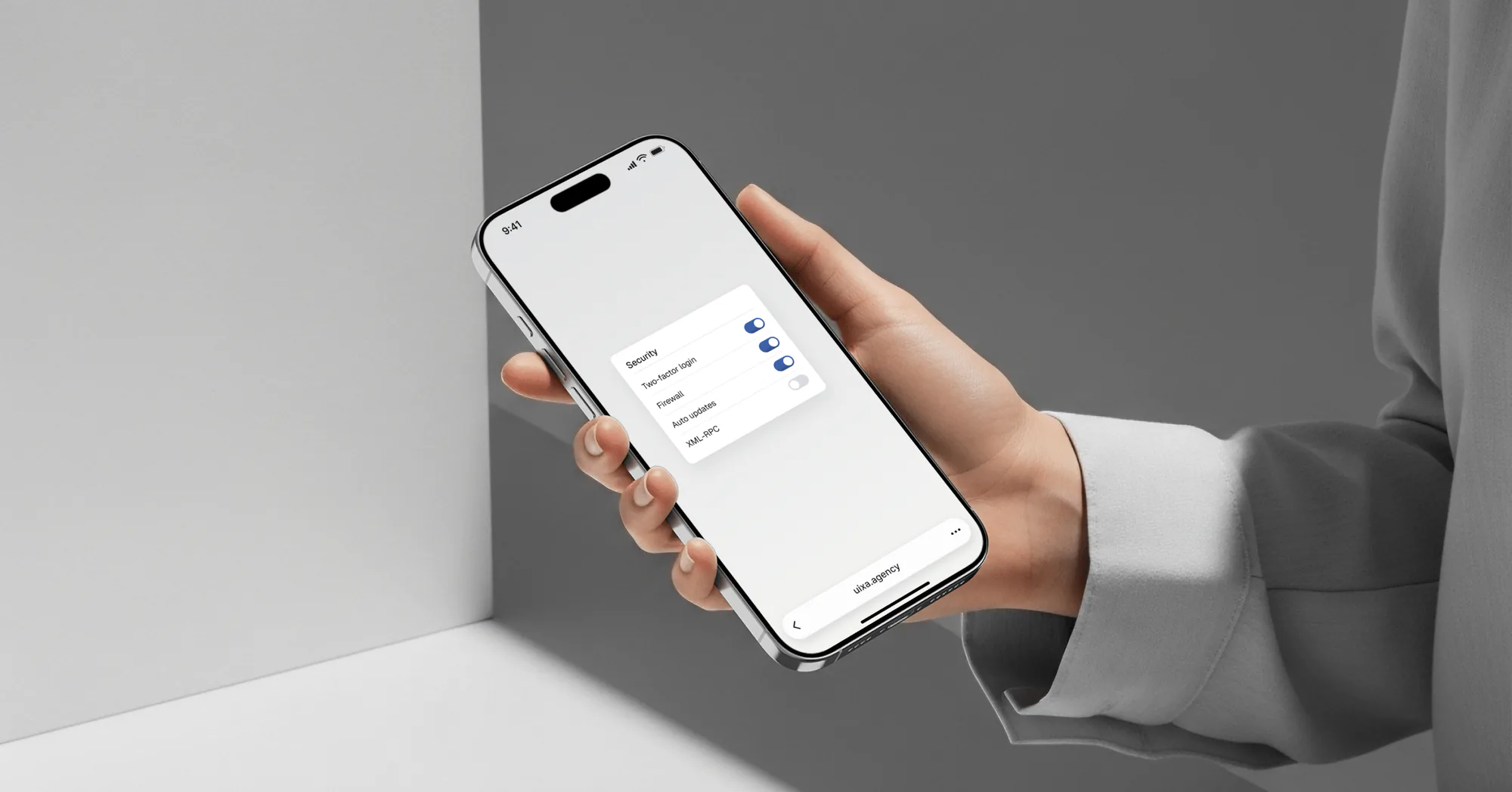
Where possible, turn on two-factor authentication for your admin logins. It's one of the simplest, highest-impact steps you can take, since even a stolen password isn't enough to get in.
A security plugin or firewall
A reputable security plugin or web application firewall adds a layer that monitors your site, blocks malicious traffic, and scans for malware before it causes damage. Tools like Wordfence or Sucuri are common starting points. Think of it as a guard at the door, catching bad actors before they reach your site.
What to do if your site gets hacked
If the worst happens, don't rush to restore. Take the site offline, save a snapshot and notes of what you found, reset all passwords and secret keys, and find out how the attacker got in. Then clean the site or restore a backup from before the attack, update every piece of software and every plugin before it goes live again, and change the passwords once more. Run a full malware scan to confirm the site is clean. If personal data may be affected, check your GDPR duty to notify the authority within 72 hours. This is exactly why the earlier steps matter, a recent backup turns a disaster into an inconvenience.
The mindset that matters
Tools are only as strong as the habits behind them. Secure passwords, limited admin access, trusted plugins, regular updates, and a bit of awareness go a long way. Security isn't just a technical topic, it's a mindset of responsibility and consistency.
Frequently asked questions
What are the basics of website security?
The essentials are an SSL certificate, keeping all software updated, regular off-site backups, strong passwords with limited admin access, and a security plugin or firewall. Consistency with these covers the majority of real-world threats.
Do I really need an SSL certificate?
Yes. SSL encrypts data between your site and visitors, browsers flag sites without it as "Not Secure," and Google uses it as a small ranking signal. Most hosts include it for free, so there's no reason to go without.
How often should I back up my website?
It depends on how often your site changes. Active sites benefit from daily backups, while sites that rarely change can manage with less, down to quarterly. Follow the 3-2-1 rule and always keep one copy off-site.
How do websites get hacked?
Most often through outdated software, weak passwords, or vulnerable plugins, not elaborate attacks. Keeping everything updated and access limited removes the most common risks.
What should I do if my website is hacked?
Restore your latest clean backup, reset all passwords, update all software and plugins, run a malware scan, and tighten your security settings to close whatever gap was exploited.
The bottom line
Website security doesn't need to be complicated. It needs to be consistent. SSL, updates, and backups form the core, with strong passwords, limited access, and a security plugin rounding out the basics. Put these habits in place once and maintain them, and you protect your brand, your data, and your peace of mind.
Want a second set of eyes on your site's security setup? Get in touch and we'll help you cover the essentials.